 English
 عربي
عربي
 Español



Yanlış Kağıt Neden Tasarruf Etmekten Daha Fazla Maliyete Sahiptir?
Plotter kağıdı genellikle bir emtia satın alımı olarak ele alınır; belirli bir makine, mürekkep sistemi veya çıktı gereksinimi ile nasıl etkileşime girdiği çok fazla dikkate alınmaksızın rulo başına fiyata göre sipariş edilir. Uygulamada, uyumsuz bir kağıt seçimi, tasarrufların haklı gösterdiğinden çok daha fazla maliyete neden olur. Kaplamasız bir sayfadaki mürekkep sızıntısı, ayrıntılı bir mimari çizimin tam boyutlu baskısını boşa harcar. Yüksek hızlı bir çizici için çok hafif bir kağıt ağırlığı, üretim işlemlerini kesintiye uğratan besleme sıkışmalarına neden olur. Yalnızca dosya dolabında duran bir proje için belirlenen, solmayan bir kağıt gereksiz maliyete neden olurken, sahada sergilenen bir inşaat planı için temel bond kağıdının kullanılması, çıktıların haftalar içinde soluk, okunmaz hale gelmesine neden olur.
CAD çizici kağıdını doğru seçmek, temel olarak dört değişkeni (kağıt ağırlığı, yüzey kaplaması, rulo formatı ve mürekkep uyumluluğu) yazıcı donanımının özel talepleri, mürekkep kimyası ve bitmiş baskının kullanım amacı ile eşleştirme sürecidir. Bu değişkenlerin her biri birbirinden bağımsızdır ve birinin yanlış yapılması diğerlerine zarar verir. Aşağıdaki bölümler, bir tahmin yerine güvenilir bir seçim kararı vermek için gereken her faktörü ayrıntılı olarak ele almaktadır.
Kağıt Ağırlığı ve GSM: Rakamlar Size Aslında Ne Anlatıyor?
GSM - metrekare başına gram - kağıt ağırlığını tanımlamak için standart birimdir ve hem baskı kalitesi hem de çizicideki mekanik kullanım üzerinde doğrudan etkileri vardır. CAD uygulamaları için çizici kağıdı genellikle her biri farklı çıktı önceliklerine uygun üç pratik ağırlık aralığına ayrılır.
| Ağırlık Aralığı | Tipik GSM | En İyisi | Sınırlamalar |
|---|---|---|---|
| Hafif bağ | 75–90 g/m2 | Taslak baskılar, dahili inceleme kopyaları, yüksek hacimli çıktılar | Daha az dayanıklı, nemli ortamlarda kıvrılmaya eğilimli |
| Standart tahvil | 90–110 g/m2 | Çalışma çizimleri, inşaat belgeleri, genel CAD çıktısı | Sunum kalitesinde renkli baskılar için ideal değildir |
| Ağır kaplamalı | 120–180 g/m2 | Müşteri sunumları, işlenmiş planlar, ekran baskıları | Rulo başına daha yüksek maliyet, bazı makinelerde daha yavaş yazdırma hızları |
Yaygın bir hata, maliyeti azaltmak için tüm çıktılar için 75 gsm kağıt seçmek, ardından minimum 80 gsm için tasarlanmış çizicilerde besleme hatalarıyla karşılaşmaktır. Çoğu geniş formatlı çizici üreticisi, teknik belgelerinde minimum kağıt ağırlığını belirtir ve bu eşiğin altında çalışmak, rulo genişliği boyunca tutarsız gerilime neden olur ve bu da şeritlenme veya çarpık çıktı olarak görünür. Taslaklar ve müşteriye yönelik baskılardan oluşan karışık bir iş yükü çalıştıran ofisler için, iki rulo ağırlığını (biri dahili inceleme için hafif, diğeri teslimatlar için standart veya ağır) aynı anda yüklü tutmak, başarısız sunum baskılarını yanlış stok üzerine yeniden basmaktan daha uygun maliyetlidir.
Kaplamalı ve Kaplamasız Yüzeyler: Son İşlemin Çıktı Türüyle Eşleştirilmesi
Çizici kağıdının yüzey kaplaması, mürekkebin kağıdın üzerine nasıl oturacağını ve kağıdın içine nasıl emileceğini belirler; bu da çizgi keskinliğini, renk doygunluğunu ve kuruma süresini doğrudan etkiler. Kaplanmamış bond kağıt, mürekkebin hızlı ve derin bir şekilde elyafın içine emilmesini sağlar, bu da hızlı kuruma sağlar ancak aynı zamanda mürekkebin ince çizgilerin kenarlarında yayılmasına da neden olur; bu olaya nokta kazancı adı verilir. Çizgi kalınlığı 0,3 mm'nin üzerinde olan monokrom çizgi çizimlerinde bu yayılma görsel olarak anlamlı değildir. 0,1 mm'lik ince çizgilere sahip ayrıntılı çizimler veya sert kenarlı, renk dolu alanlar için, kaplanmamış kağıt, tasarım dosyasının önerdiğinden belirgin şekilde daha yumuşak sonuçlar üretir.
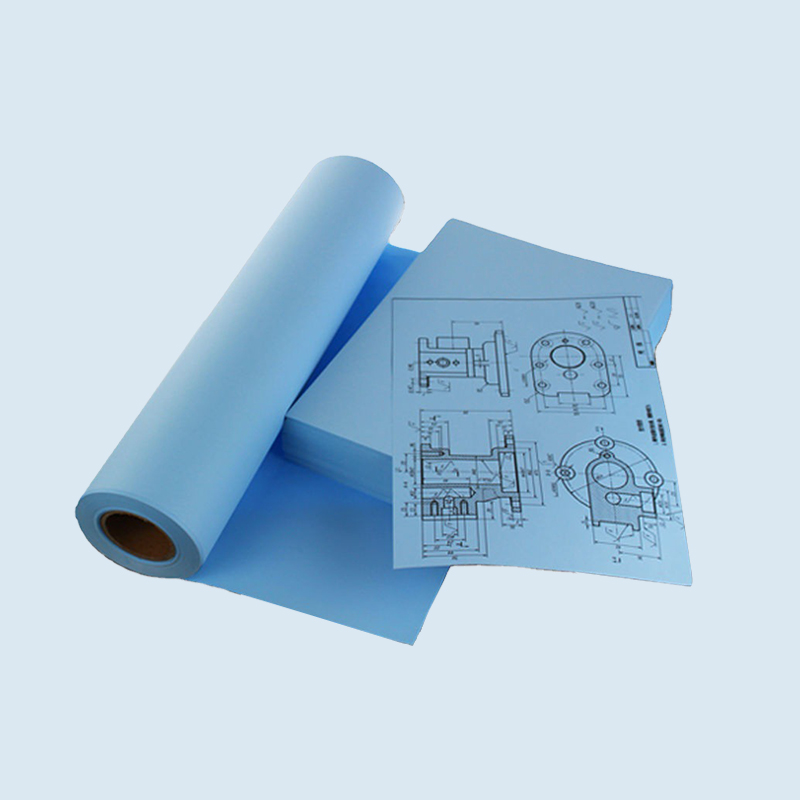
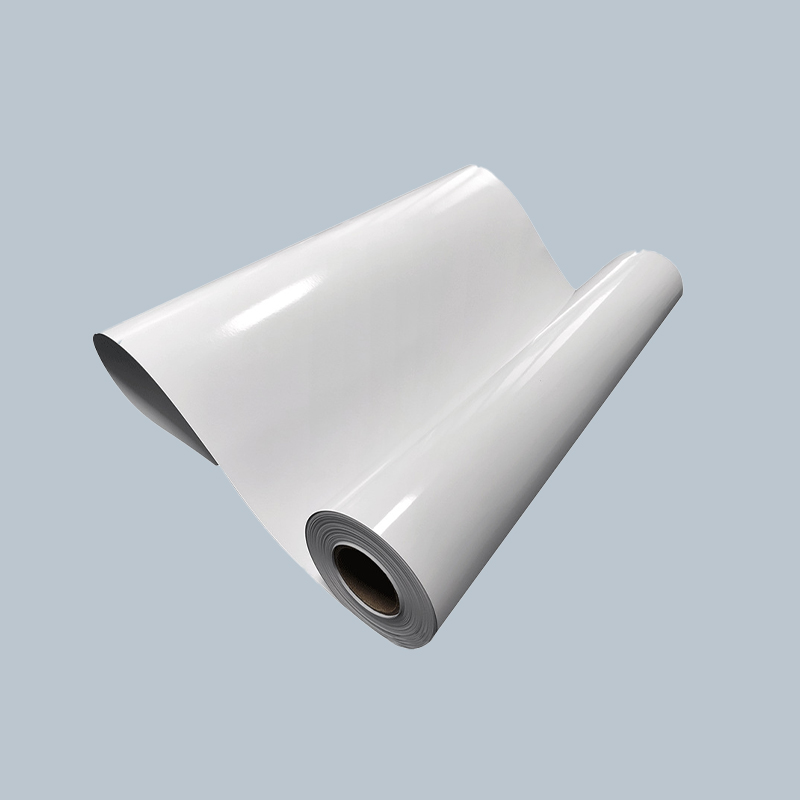
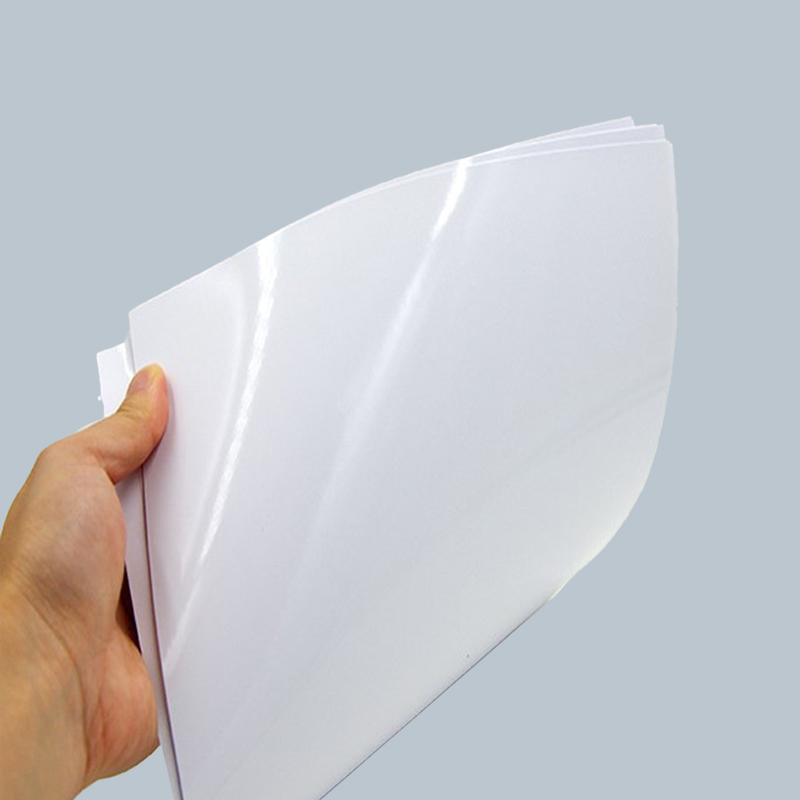
Kaplamalı kağıtlar CAD kullanımına ilişkin iki ana kategoriye ayrılır: mat kaplamalı ve parlak kaplamalı. Mat kaplamalı kağıt, emilimi yavaşlatan ve mürekkep damlacıklarını yüzeye daha yakın tutan mürekkep alıcı bir katman uygulayarak, parlak yüzeyin yansıtıcı parıltısı olmadan daha keskin çizgi tanımı ve daha doğru renk üretimi sağlar. Bu, MEP (mekanik, elektrik, sıhhi tesisat) ve inşaat mühendisliği çizimlerinde yaygın bir format olan hem ince çizgileri hem de renk kodlu katmanları içeren teknik çizimler için tercih edilen seçimdir. Parlak kaplamalı kağıt, renk canlılığını en üst düzeye çıkarır ve mimari görseller, pazarlama görselleri ve sunum panoları için uygundur, ancak yansıtıcı yüzeyi, bir toplantı odasında veya bir inşaat sahasında tavan üstü aydınlatma altında okumayı zorlaştırır.
Saten veya yarı parlak kaplamalar orta zemini kaplar; mattan daha iyi renk doygunluğu sağlarken tam parlaklığın parıltısını azaltırlar. Müşteri sunumları için tutarlı miktarda renkli CAD çıktısı üreten firmalar için, saten cilalı ağır kağıt genellikle iki ayrı kaplamalı rulo tipini yönetmeden hem teknik netliği hem de görsel kaliteyi kapsayan tek stoklu bir çözüm olarak hizmet eder.
Rulo Genişliği, Uzunluğu ve Çekirdek Çapı: Formatı Doğru Şekilde Kullanmak
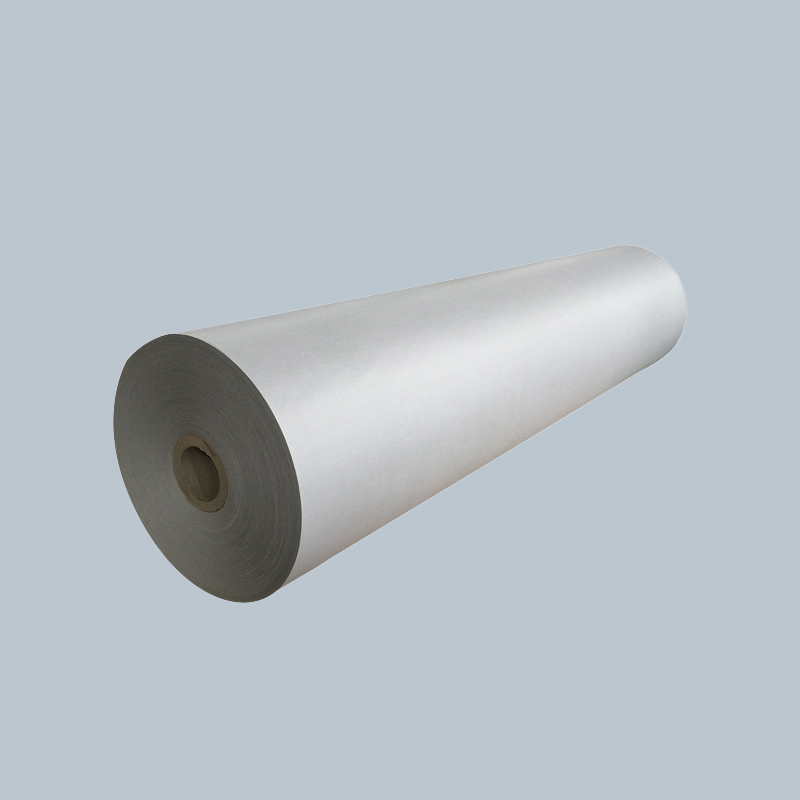
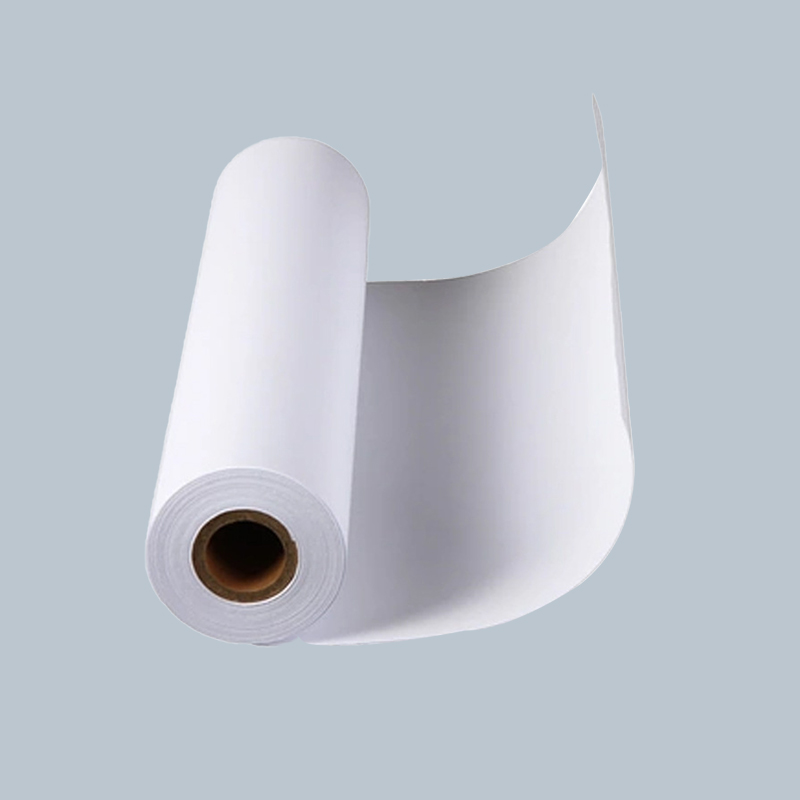
Geniş formatlı çiziciler, ISO ve ANSI çizim sayfası boyutlarına karşılık gelen standart genişliklerdeki kağıt rulolarını kabul eder. Yanlış rulo genişliğini seçmek bariz bir hatadır ancak çekirdek çapı, gözden kaçırıldığında gerçek sorunlara neden olan daha az belirgin bir değişkendir. Çoğu masaüstü geniş format çizici 2 inç (50,8 mm) çekirdek kullanırken, sürekli yüksek hacimli çıktı için tasarlanan üretim sınıfı çiziciler genellikle 3 inç (76,2 mm) çekirdek kullanır. 2 inçlik bir göbek rulosunu 3 inçlik bir göbek miline yüklemek için bir adaptör gerekir ve yanlış adaptörün kullanılması veya bantla doğaçlama yapılması, baskı boyunca rulonun çevresine uygun aralıklarla tutarlı bantlama oluşturan eksantrik dönüşe neden olur.
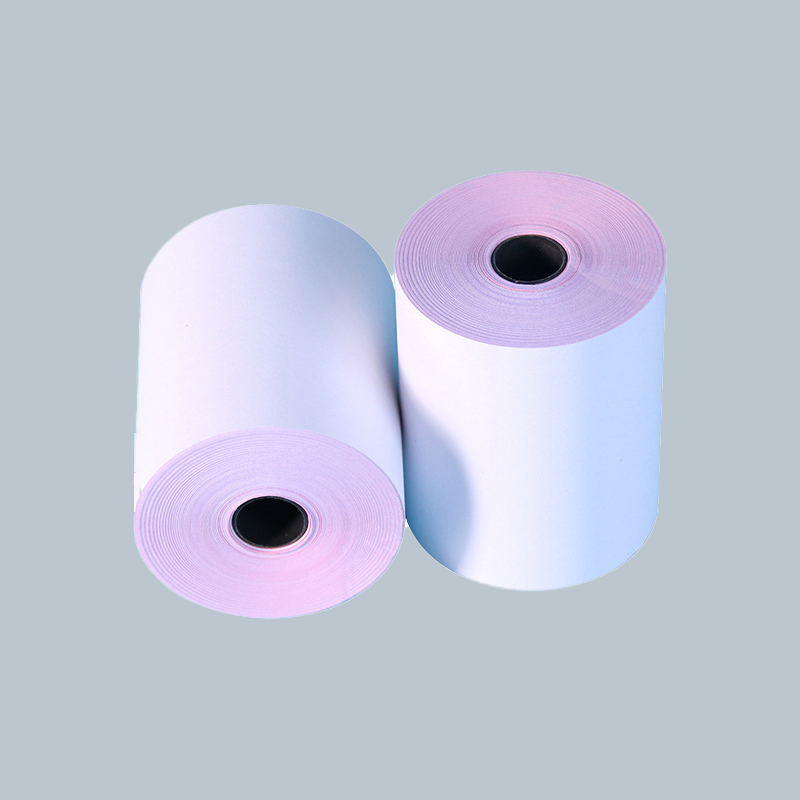
Rulo uzunluğu seçimi, kesintisiz üretim çalışmaları ile depolama koşulları arasındaki dengedir. Daha uzun rulolar - 150 fit (45 m) veya daha fazla - yüksek hacimli ortamlarda rulo değiştirme sıklığını azaltır ancak daha ağırdır ve taşınması daha zordur, bu da yükleme sırasında çekirdeğin hasar görmesi riskini artırır. Nemli iklimlerde veya iklimi yeterince kontrol edilmeyen depolama alanlarında, uzun süre saklanan uzun bir rulonun dış katmanları, yazdırma sırasında kıvrılmaya yetecek kadar nemi emebilir ve bu da çok geçişli baskılarda yanlış kayıt yapılmasına neden olur. 50-75 fitlik (15-23 m) daha kısa ruloların yönetimi daha kolaydır ve depolamayla ilgili bozulmaya daha az duyarlıdır; bu da onları, ayak başına maliyet biraz daha yüksek olsa bile, düşük hacimli ofisler için pratik seçim haline getirir.
Mürekkep Sistemi Uyumluluğu: Boya Bazlı ve Pigment Bazlı Mürekkep Gereksinimleri
Plotter kağıdının yazıcıda kullanılan mürekkep sistemine uygun olması gerekir; bu bir öneri değil işlevsel bir gerekliliktir. Geniş formatlı inkjet çizicilerde kullanılan iki mürekkep türü (boya bazlı ve pigment bazlı), doğru sonuçlar üretmek için farklı kağıt yüzeyi kimyaları gerektiren farklı emme özelliklerine sahiptir.
Boya bazlı mürekkepler, sıvı bir taşıyıcı içinde çözünmüş renklendiriciden oluşur. Kaplamasız ve hafif kaplamalı kağıtlara kolayca emilir ve çabuk kururlar, ancak zamanla UV ışınlarının solmasına ve su hasarına karşı hassastırlar. Boya bazlı sistemler için tasarlanan kağıt, hızlı emilimi teşvik eden açık fiber veya hafif kaplama yapısına sahiptir. Pigment mürekkepleri için tasarlanmış ağır kaplamalı bir kağıdın boya bazlı bir yazıcıyla birlikte kullanılması mürekkebi yüzeyde hapseder, kuruma süresini önemli ölçüde uzatır ve baskı tam kurumadan önce işlendiğinde lekelere neden olur.
Pigment bazlı mürekkepler, bir taşıyıcı sıvı içinde süspanse edilen katı renklendirici parçacıkları kullanır. Bu parçacıklar, kağıdın içine emilmek yerine kağıt yüzeyine oturur; bu, pigment parçacıklarını sabitlemek ve yanal yayılmayı önlemek için özel olarak formüle edilmiş mürekkep alıcı bir katmana sahip kaplanmış bir yüzey gerektirir. Kaplanmamış yazı kağıdı üzerindeki pigment mürekkebi, çamurlu renk ve zayıf çizgi tanımı üretir çünkü parçacıklar, darbe noktasında kalmak yerine kağıt lifleri boyunca yayılır. Pigment mürekkepler önemli ölçüde daha uzun ömür sunar - uygun ortam üzerine arşiv kalitesinde pigment baskılar, iç mekan koşullarında 50-100 yıl boyunca solmaya karşı dirençli olabilir - çıktı kalıcılığının bir spesifikasyon gerekliliği olduğu durumlarda kağıt-mürekkep sistemi eşleşmesini özellikle önemli hale getirir.
- Kağıt satın almadan önce makine teknik özelliklerinde çizicinizin mürekkep tipini kontrol edin; çoğu üretici bunu ürün adında veya teknik veri sayfasında açıkça "boya" veya "pigment" olarak etiketler.
- Mürekkep türünüzle uyumlu olduğu açıkça etiketlenmiş kağıtlara bakın; "pigment mürekkep kaplı bond" ve "boya mürekkepli bond", rafta benzer görünseler bile birbirinin yerine kullanılamaz.
- Çiziciniz hibrit mürekkep sistemi kullanıyorsa (bazı HP DesignJet ve Canon imagePROGRAF modelleri), her iki mürekkep türü için de derecelendirilmiş kağıtları seçin veya temel olarak üreticinin önerdiği ortam listesini kullanın.
Site ve Arşiv Kullanımında Uzun Ömür ve Çevreye Dayanıklılık
Tüm CAD çıktıları kontrollü bir ofis ortamında dosyalanmaz. Şantiye çizimleri katlanır, yağmurda tutulur, toza maruz bırakılır ve yüzeylere bantlanır. Planlama onayı için sunulan araştırma planlarının belediye arşivinde onlarca yıl okunaklı kalması gerekebilir. Bu kullanım durumları, standart bondun ötesine geçen kağıt spesifikasyonları gerektirir ve doğru seçeneğin seçilmesi, dayanıklılıkla ilgili her bir özelliğin gerçekte ne sunduğunun anlaşılmasını gerektirir.
Sahada kullanım için, bazen "sert" veya "teknik" bağ olarak adlandırılan neme dayanıklı veya suya dayanıklı bağ kağıtları, tamamen su geçirmez hale gelmeden yüzey suyunu itecek şekilde işlenir. Hafif yağmura ve sabah çiyine maruz kalmayı hemen bozulmadan karşılarlar ve nemli koşullarda standart bağlardan boyutsal olarak daha stabildirler. Bu kağıtlar hala standart mürekkep püskürtmeli çizicilerde yazdırılabilir ve özel mürekkep gerektirmez, bu da onları saha çizim setleri için uygun maliyetli bir yükseltme haline getirir. Sentetik medya (polyester bazlı filmler ve polipropilen levhalar) en zorlu saha ortamları için tam su geçirmezlik ve yırtılma direnci sunar, ancak bunlar özel mürekkep formülasyonları ve çizici ayarları gerektirir ve sayfa başına maliyeti önemli ölçüde daha yüksektir.
Arşivsel kullanım için asitsiz kağıt minimum spesifikasyondur. Standart yazı kağıdı, asit hidrolizi adı verilen, zamanla sararmaya ve kırılganlığa neden olan üretim sürecinden kalan artık asitleri içerir. Asitsiz veya alkalin tamponlu kağıtlar, üretim sırasında bu asitleri nötralize ederek baskının kullanım ömrünü önemli ölçüde uzatır. ISO 9706, kalıcı kağıt için uluslararası standarttır ve bu standardı karşılayan kağıt, ürün özellikleri sayfasında bu tanımı taşıyacaktır. Uzun süreli belediye veya kurumsal depolamaya yönelik çizimler için ISO 9706 uyumlu asitsiz bağın belirtilmesi, daha pahalı sentetik ortamlara geçmeden arşiv gereksinimlerini karşılamanın basit bir yoludur.
CAD Plotter Kağıdını Seçmek İçin Pratik Bir Karar Çerçevesi
Birden fazla değişkenin rol oynadığı kağıt seçiminde yapılandırılmış bir yaklaşım, en yaygın spesifikasyon hatalarını önler. Aşağıdaki soruların sırayla ele alınması, donanım, mürekkep, çıktı kalitesi ve kullanım gereksinimleriyle eş zamanlı olarak eşleşen bir spesifikasyon üretir:
- Çizici hangi mürekkep sistemini kullanıyor? Herhangi bir kağıt seçeneğini değerlendirmeden önce boya bazlı mı yoksa pigment bazlı mı olduğunu belirleyin. Bu, uyumsuz ürünleri anında filtreler.
- Birincil çıktı türü nedir? Tek renkli çizgi çizimleri kaplanmamış bağı tolere eder. Renk katmanlı teknik çizimlerde mat kaplamadan yararlanılır. Müşteri sunumları ağır saten veya parlak kaplamayı garanti eder.
- Çıktı nerede kullanılacak? Ofis dosyalamasında standart tahvil kullanılır. Saha kullanımı neme dayanıklı bağ veya sentetik ortam gerektirir. Arşiv gönderimi asitsiz, ideal olarak ISO 9706 uyumlu stok gerektirir.
- Çizicinin minimum kağıt ağırlığı özelliği nedir? Bunu yazıcı kılavuzunda onaylayın ve besleme hatalarını önlemek için bu eşik değerinde veya üzerinde bir kağıt seçin.
- Çizici mili hangi rulo formatını kabul ediyor? Sipariş vermeden önce rulo genişliğini ve çekirdek çapını makine spesifikasyonlarından doğrulayın. Çekirdek adaptörün gerekli olup olmadığını ve adaptörün kullanılan kağıt ağırlığına uygun olup olmadığını kontrol edin.
Tam bir envanter alımına başlamadan önce yeni bir kağıt stoğuyla küçük bir test yapmak her zaman faydalı olacaktır; hem ince çizgileri hem de renk dolgularını içeren temsili bir dosya yazdırın, çıktının hemen ardından baskıyı alarak kuruma süresini kontrol edin ve yazdırılan sayfa üzerinde bilinen bir referans mesafesini ölçerek boyut doğruluğunu doğrulayın. Bu üç kontrol on dakikadan kısa sürer ve uyumluluk sorunlarını, üretim sürecini veya müşteri teslimatını etkilemeden önce güvenilir bir şekilde tespit eder.